Temp Mail - Disposable Temporary Email

TL;DR
- Explains how disposable email addresses protect your primary inbox from spam.
- Details the mechanics of how temporary mail self-destructs after use.
- Highlights the security risks of sharing real email addresses on websites.
- Positions burner emails as essential digital hygiene for 2026 cybersecurity.
- Provides a strategy to defeat phishing and identity theft attempts.
The Ultimate Guide to Temp Mail: Disposable Email & Privacy in 2026
Your primary email address isn't just a username anymore. It’s your digital passport. It’s the skeleton key to your bank account, the recovery point for your social media, and the home of your most private conversations.
So why are you handing it over to random websites just to get a 10% discount code?
We've all done it. You want to read a PDF or access a "free" tool, so you type in your real email. The result? An inbox that looks like a crime scene. It’s cluttered with AI-generated spam, "urgent" alerts from services you don't remember joining, and phishing attempts that know a little too much about you.
This isn't just annoying; it’s dangerous. With cybercrime projected to bleed the global economy of $10.5 trillion USD annually by 2025 (according to Cybersecurity Ventures), treating your email like public property is a gamble you can't afford.
The solution isn't to go off the grid. It's to stop giving the internet your real name.
Enter Temp Mail. Once dismissed as a shady tool for hackers, disposable email has become a mandatory layer of digital hygiene. In 2026, having a "burner" email isn't paranoid—it’s the only way to keep your digital identity clean.
What is a Disposable Email Address? (And How Does It Work?)
A disposable email address—often called a "burner," "throwaway," or "temp mail"—is exactly what it sounds like. It's an inbox that exists for a specific moment in time and then self-destructs.
Think of it like a burner phone in a spy flick. You use it for one transaction, get the info you need (like a verification code), and toss it in the trash. No password to remember. No registration forms. And most importantly? No trail back to you.
The Mechanics of "Fake" Mail
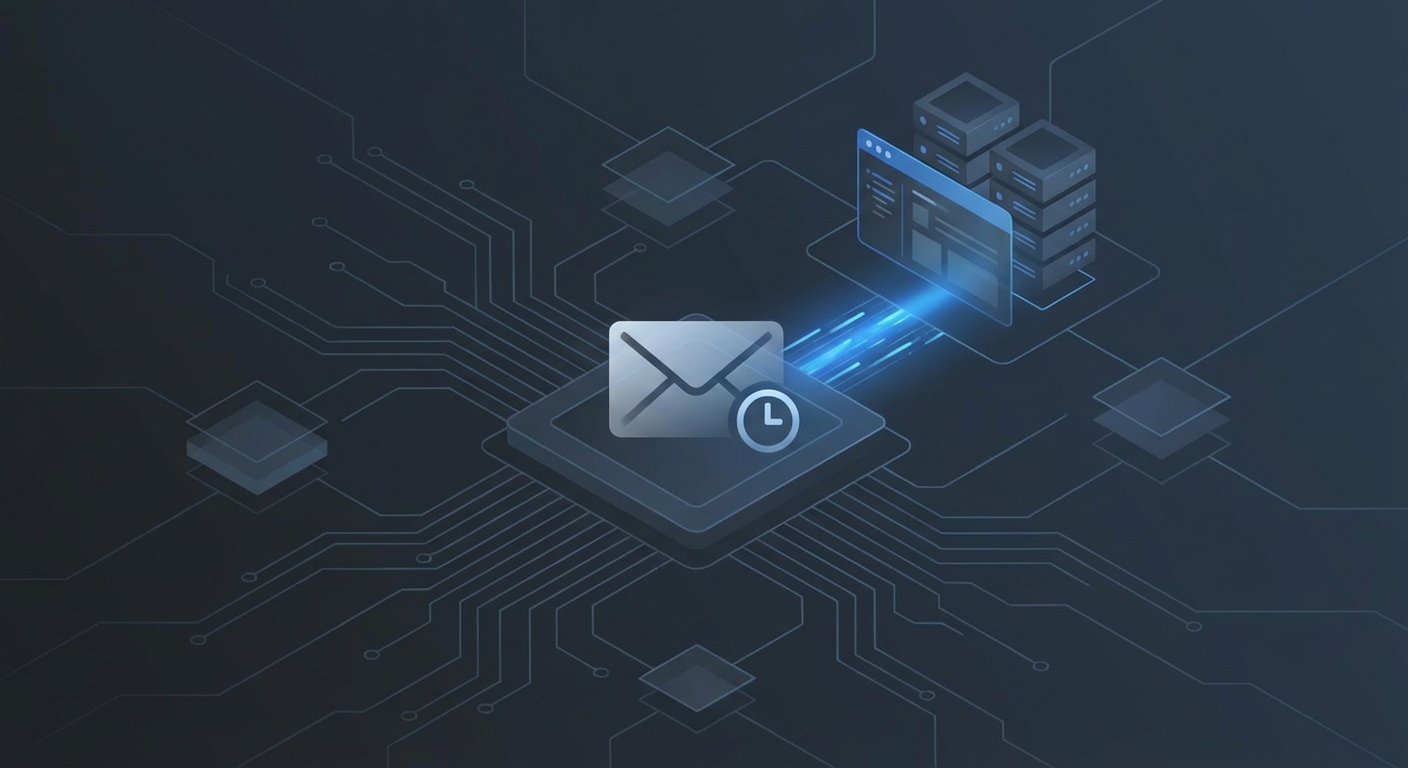
It’s actually pretty simple. These services sit on shared domains. When you land on a temp mail site, a script generates a random string just for you (like [email protected]).
Because the domain is pre-configured to catch everything sent to it, you don't need to sign up. You’re just borrowing a slot on their server.
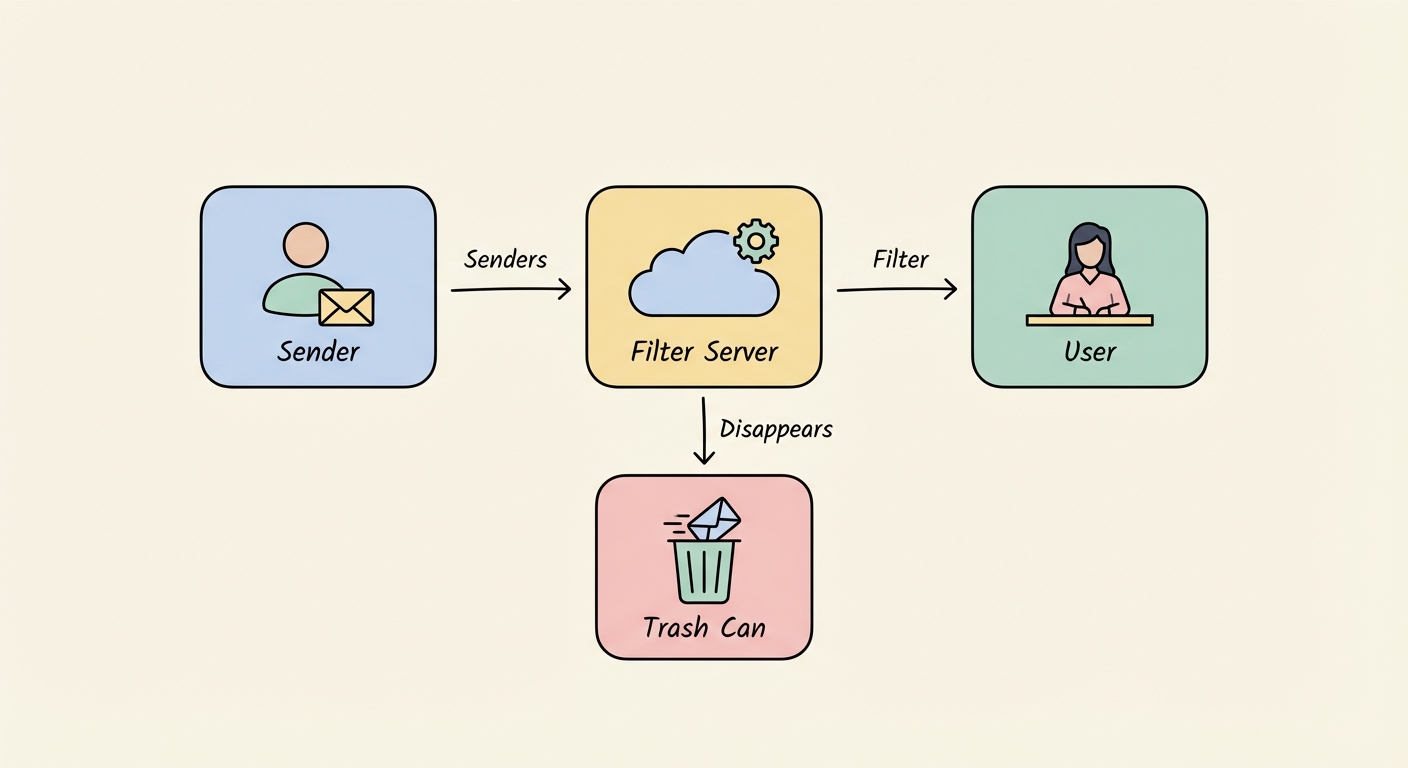
Once the timer runs out—usually anywhere from 10 minutes to 24 hours—the server wipes the slate clean. If a marketer tries to email that address a week later? Hard bounce. The address effectively never existed.
Why You Need Temp Mail in 2026
If you’re still using [email protected] for everything from filing taxes to logging into sketchy airport Wi-Fi, you’re painting a target on your back. Here is why the security landscape of 2026 demands you start using burners.
Defeating AI Phishing
Phishing has grown up. We aren't dealing with typo-riddled emails from "Nigerian Princes" anymore. Today, AI tools scrape public forums, breach data, and social media to build terrifyingly convincing profiles. They know where you shop. They know how you talk.
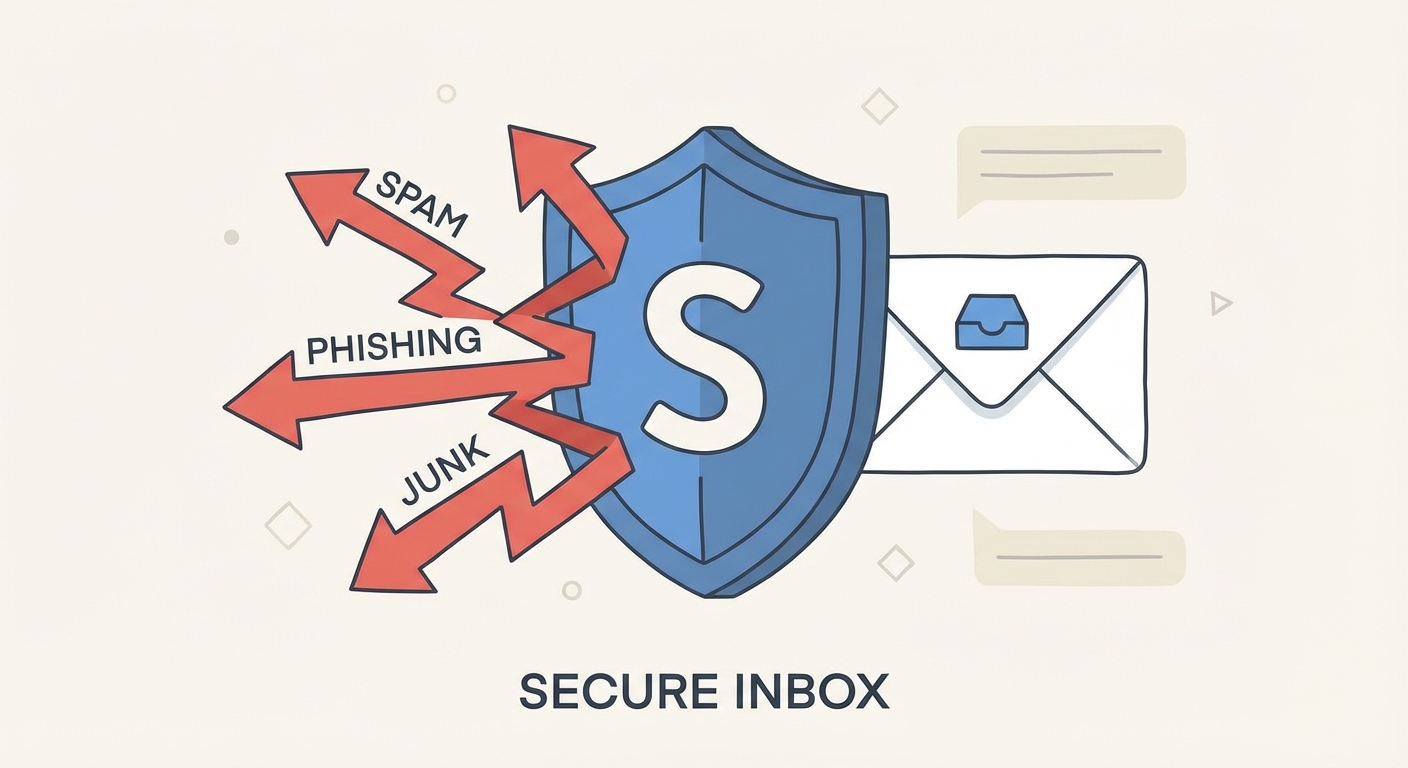
When you use a temp mail address for low-trust interactions, you break that chain. If an AI bot scrapes a disposable email you used once, it sends its sophisticated scam to a dead inbox. You never see it. You never click it. Game over.
Insulation from Data Breaches
It is a statistical certainty: the services you use will be hacked. When a minor forum or a hastily built e-commerce shop gets breached, your email is often the first thing stolen.
By using a disposable address, you insulate your real identity. If TemporarySite.com gets hacked, the attackers steal an email address that self-destructed three months ago. Your primary inbox—the one tied to your bank—remains invisible.
Pro Tip: Before signing up for any new service, check if your real email is already compromised at Have I Been Pwned. If you see your email in multiple breaches, take the hint. Start using temp mail for the non-essentials.
Killing Cross-Site Tracking
Marketers look at your email address as a "Universal ID." It’s the breadcrumb trail that links your browsing history on Site A to your purchase history on Site B. By using unique, temporary emails, you starve the data brokers. They can't build a profile on a ghost.
This isolation strategy is a great start, but it's only one pillar. You should also be looking at our wider Cybersecurity Best Practices to fully lock down your digital footprint.
"Trash Mail" vs. Email Aliasing: Know the Difference
Not all temporary emails are the same. In 2026, you need to know the difference between the "Trash" approach and the "Shield" approach. Mix them up, and you might lose access to an account you actually care about.
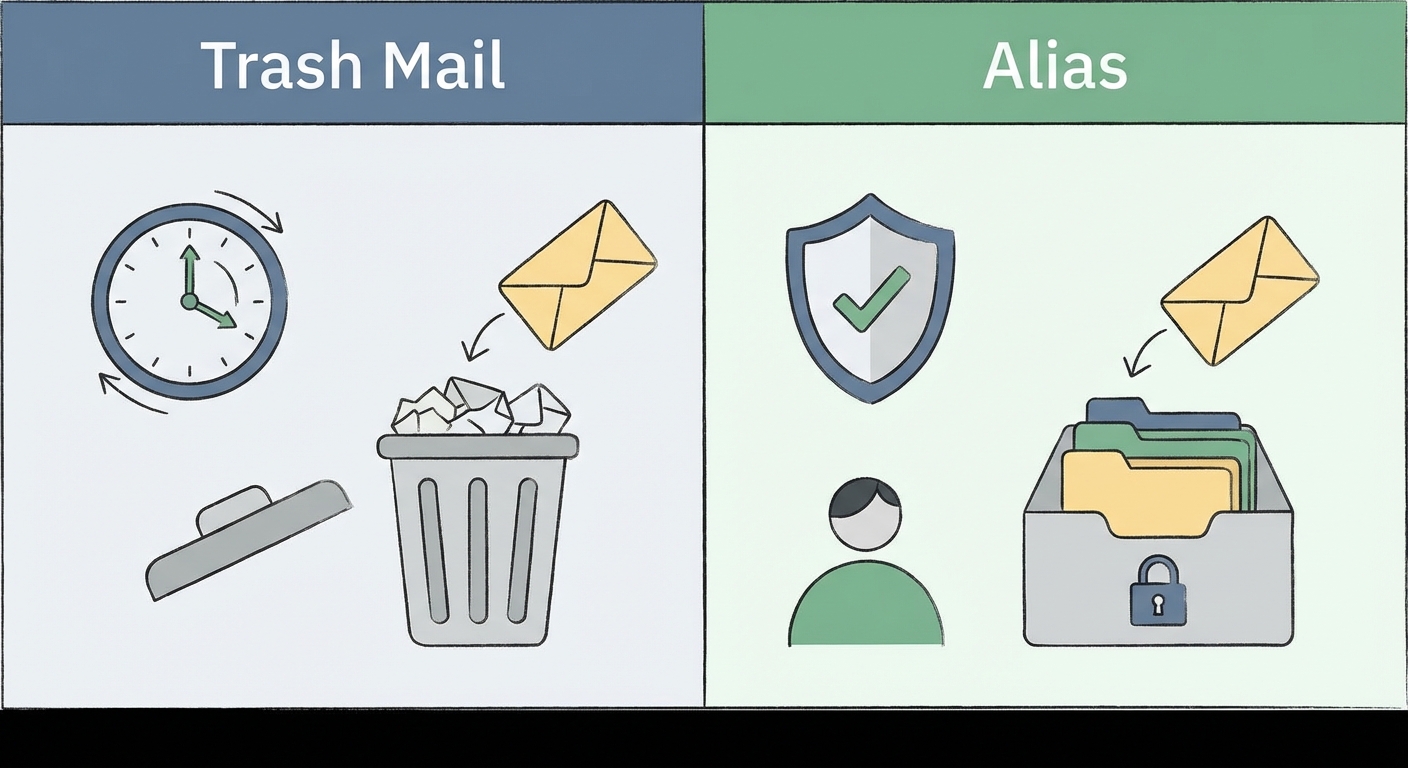
Tier 1: The "Trash" Mail (10-Minute Mail)
This is the classic burner. Strictly ephemeral.
- Best For: One-time downloads, reading a gated article, grabbing a coupon code, or public Wi-Fi logins.
- The Good: Zero setup. Land on the page, copy, paste, close tab.
- The Bad: Zero recovery. If you close the browser, that inbox is gone. Forever. Do not use this for anything you need to log into tomorrow.
Tier 2: Email Aliasing (The Mask)
This is the modern, savvy evolution of temp mail. Services like Proton Pass or SimpleLogin let you generate random email addresses that forward to your real inbox.
- Best For: Newsletters, online shopping, apps you use occasionally but don't fully trust.
- The Strategy: Give Amazon one alias. Give Netflix another. If the Amazon alias starts getting spam, you just toggle a switch to "Block" that specific alias. Your real inbox stays clean.
- The Rule: If you need to reset a password later, use an Alias. If you never want to hear from them again, use Trash Mail.
Top 7 Temporary Email Services (That Actually Work)
The market is flooded with ad-heavy copycats. Ignore them. Here are the tools that actually work, categorized by how they fit your workflow.
1. Temp Mail
The Industry Standard The most recognizable name in the game. It offers a clean, mobile-friendly interface that generates an address the second you load the page.
- Verdict: Best for quick, on-the-fly verification on mobile.
- Downside: The free web version pushes ads pretty hard.
2. 10 Minute Mail
The Classic The original concept. The timer literally counts down from 10:00 on your screen. Need more time? You have to click a button to reset the clock.
- Verdict: Best for rapid-fire signups where speed is the only metric.
- Downside: Because it's so popular, some major websites recognize and block their domain names.
3. Guerrilla Mail
The Power User's Tool Guerrilla Mail is ugly, utilitarian, and robust. Unlike most services, it allows you to send emails (anonymously) as well as receive them.
- Verdict: Perfect for sending anonymous tips or testing outgoing mail flow.
- Downside: The interface looks like it hasn't been updated since 2005.
4. Mailinator
The Developer's Best Friend
Mailinator is different—it has public inboxes. You can invent any email address (e.g., [email protected]) and then go to the site to check it. No sign-up required.
- Verdict: Essential for QA teams and developers testing signups.
- Downside: Zero privacy. Anyone who guesses the inbox name can read the mail. Never use this for personal data.
5. Proton Pass / SimpleLogin
The Premium Shield Owned by privacy giant Proton, this is an aliasing service, not a trash mail service. It creates permanent "masks" that forward to your encrypted inbox.
- Verdict: The best choice for long-term account management.
- Downside: Requires an account setup (though free tiers exist).
6. 33Mail
The Bandwidth Saver
A lightweight aliasing tool. You get a subdomain (e.g., [email protected]).
- Verdict: Great for controlling newsletter flow.
7. AnonAddy
The Open Source Alternative Similar to SimpleLogin but with a massive focus on the open-source community. Transparent and credit-based.
- Verdict: For the tech-savvy user who wants total transparency.
The Risks: When Should You NEVER Use Temp Mail?
I advocate for using temp mail for 90% of the web. But that remaining 10%? That requires your real identity. Misusing these tools can lead to a "digital lockout."
The "Lockout" Danger
Imagine you use a 10-minute email to sign up for a crypto exchange. A year later, the exchange asks for a 2-Factor Authentication code sent to your email to withdraw funds. That email address was deleted 364 days ago.
You are now permanently locked out of your money. Rule of Thumb: If you care about the account, do not use a disposable address. Use an Alias or your real email.
Financial & Medical Services
Banks, hospitals, and government portals maintain "blocklists" of known disposable domains. Attempting to use a temp mail here will likely result in your application being rejected or your account being flagged for fraud. Just don't do it.
Legal & Ethical Note
Using a temporary email is perfectly legal. You have a right to privacy. However, using these emails to bypass bans, create multiple accounts for fraud, or abuse free trials violates Terms of Service. As the Electronic Frontier Foundation (EFF) argues, privacy is a fundamental right, but it shouldn't be a shield for malicious activity.
For your high-value accounts—like banking or primary social media—protect your real email with Secure Password Management tools instead of relying on obscurity.
Advanced Tips: Remove the Friction
Privacy fails when it's inconvenient. If you have to open a new tab and copy-paste every time, you won't do it. You need to make it a reflex.
- Browser Extensions: Install extensions for Temp Mail or SimpleLogin directly into Chrome or Firefox. This lets you right-click on an "Email" field and select "Paste Random Email." It turns a 30-second chore into a 2-second click.
- Mobile-First: Apple users have this built-in with "Hide My Email," but Android and Windows users should download dedicated apps. The goal is to have a fresh identity available at the tap of a thumb.
The "Recovery" Myth
Let's be crystal clear: You cannot recover a deleted temp mail address. I see forums filled with users begging for help to recover a password sent to a defunct address. It is technically impossible. The server space has been overwritten.
And remember: A temp mail protects your identity, but it doesn't protect you from clicking a malicious link inside that email. Read our Phishing Protection Guide to learn how to spot fake login forms, even when you're using a burner account.
FAQ: Common Questions
1. Is it illegal to use a temporary email address? No. It is legal to use for privacy. However, using it for fraud, harassment, or bypassing bans is where you cross the line into legal trouble.
2. Can I recover a password sent to a temp mail after it expires? No. This is the biggest risk. Once the session ends, that inbox ceases to exist. Do not use temp mail for accounts you need to keep long-term.
3. Does temp mail hide my IP address? No. It only hides your email identity. The website can still see your IP address and location unless you pair it with a VPN.
4. How long does a disposable email last? It varies. "Trash" mails last from 10 minutes to 24 hours. "Aliasing" services (like SimpleLogin) last forever until you manually kill them.
5. Can I send emails from a temp mail address? Usually, no. Most services are "receive only" to prevent spammers from abusing their servers. Some tools, like Guerrilla Mail, are the exception, but they often attach a disclaimer to your outgoing mail.